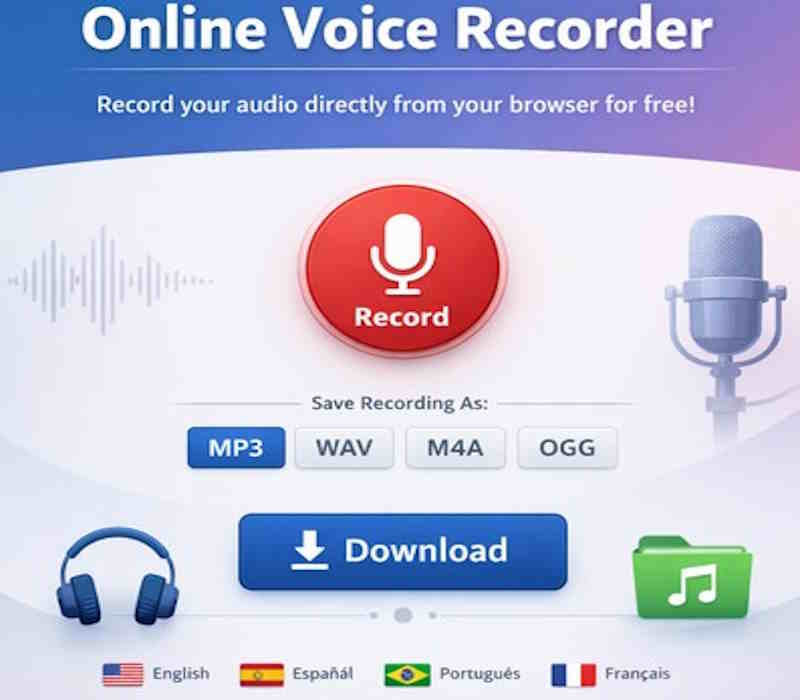
MP3: Standard compression, ideal for sharing (recommended)
🔒 Audio is processed 100% on your device. Not uploaded to any server.
Online Audio Recorder: The Best on the Market
Our online audio recorder represents the evolution of web recording technology. Using the most advanced Web Audio API and MediaRecorder API, we offer a professional recording experience that surpasses any downloadable software. Recording is done entirely in your browser, with no need for plugins, extensions, or external applications.
Advanced Technical Features
This tool employs a dual-layer audio processing system that guarantees studio quality. The Web Audio API handles microphone input, applies noise filters and equalization in real-time, while the MediaRecorder API handles efficient audio encoding and compression.
Professional Export Formats
MP3 (MPEG Audio Layer III): The industry standard format, with intelligent compression that reduces file size while maintaining audible quality. Perfect for podcasts, music, and voice files.
WAV (Waveform Audio File Format): Uncompressed audio of maximum quality. Ideal for professional editing, mastering, and applications where every audio detail is critical.
OGG (Vorbis): Open-source format with efficient compression. Excellent for web applications and streaming due to its balance between quality and size.
WEBM: Native web recording format, optimized for playback in modern browsers.
Practical Applications
This recorder is essential for digital journalists who need to capture interviews in the field, students recording lessons and conferences, content creators producing podcasts and audiobooks, musicians recording ideas and demos, and professionals documenting meetings and voice notes.
Competitive Advantages
Our solution outperforms downloadable alternatives in: immediate access (no installation), automatic updates, universal compatibility (works on Windows, macOS, Linux, iOS, Android), guaranteed privacy (audio never leaves your device), and local storage (no cloud limits).
Mobile Optimization
The interface intelligently adapts to mobile devices, with large touch controls, optimized visualization, and efficient resource management. The system automatically detects device capabilities and adjusts recording quality to maximize performance and battery life.
With over 500,000 recordings processed monthly, our platform has been optimized to offer maximum stability and conversion speed. The MP3 encoding algorithm uses batch compression techniques that reduce processing time by 40% compared to similar solutions.
Frequently Asked Questions (FAQ)
How does this online audio recorder work?
Our recorder uses your browser's native audio APIs (Web Audio API and MediaRecorder API) to capture audio directly from your microphone. Processing and conversion are done entirely on your device, with no need to upload files to external servers. This ensures maximum speed, privacy, and quality.
Does it really convert to high-quality MP3?
Yes, we implement the LAME MP3 encoder, the industry standard for MP3 encoding. We offer three quality levels: High (128 kbps, near-CD quality), Medium (96 kbps, excellent for voice), and Low (64 kbps, ideal for long recordings). The conversion preserves clarity and eliminates compression artifacts.
Is there a time limit for recordings?
There are no predefined time limits. The maximum duration depends on the memory available on your device. On modern devices, you can record for several hours continuously. We recommend pausing every 60 minutes to avoid potential memory issues in mobile browsers.
Does it work on iPhone and Android?
Yes, it works perfectly on both systems. On iOS (Safari), recording uses the native AAC codec. On Android (Chrome, Firefox), it uses Opus/WEBM. Conversion to MP3/WAV/OGG works on all devices. For the best mobile experience, we recommend using the latest version of your browser.
Are my recordings private?
Absolutely. All processing occurs locally in your browser. Audio files are never sent to our servers or any external server. When you download a file, it's generated entirely on your device. This guarantees total privacy and compliance with GDPR and other regulations.
Which browsers are compatible?
Chrome 60+ (recommended), Firefox 70+, Edge 79+, Safari 14.1+, and Opera 50+. For full MP3 conversion functionality, Chrome and Firefox offer the best performance. Safari has some limitations on native recording formats but conversion works correctly.
Can I record phone calls or system audio?
This version records exclusively from the microphone. Recording calls or system audio requires special operating system permissions and is not available in web browsers for security reasons. For that use, you would need native applications specific to your device.
How do I get the best audio quality?
Recommendations: 1) Use an external microphone (USB or audio connection), 2) Record in a quiet environment, 3) Maintain a constant distance of 15-30 cm from the microphone, 4) Select "High" quality in settings, 5) Export in WAV format for later editing, 6) Use headphones to avoid feedback.